Try both versions
Click play on each side. The Mindstamp version asks for your details before the video, as the Vimeo version does. Mindstamp records test entries from this page in our demo account.
Vimeo (original)
Mindstamp (migrated)
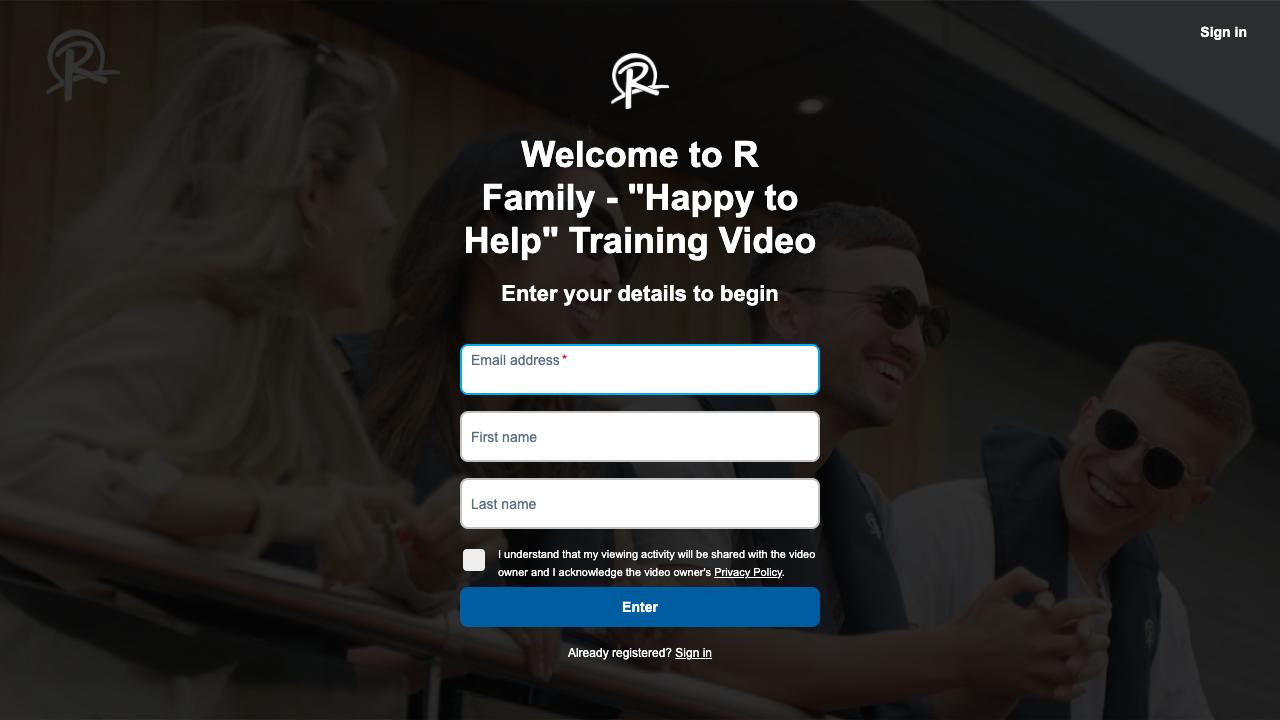
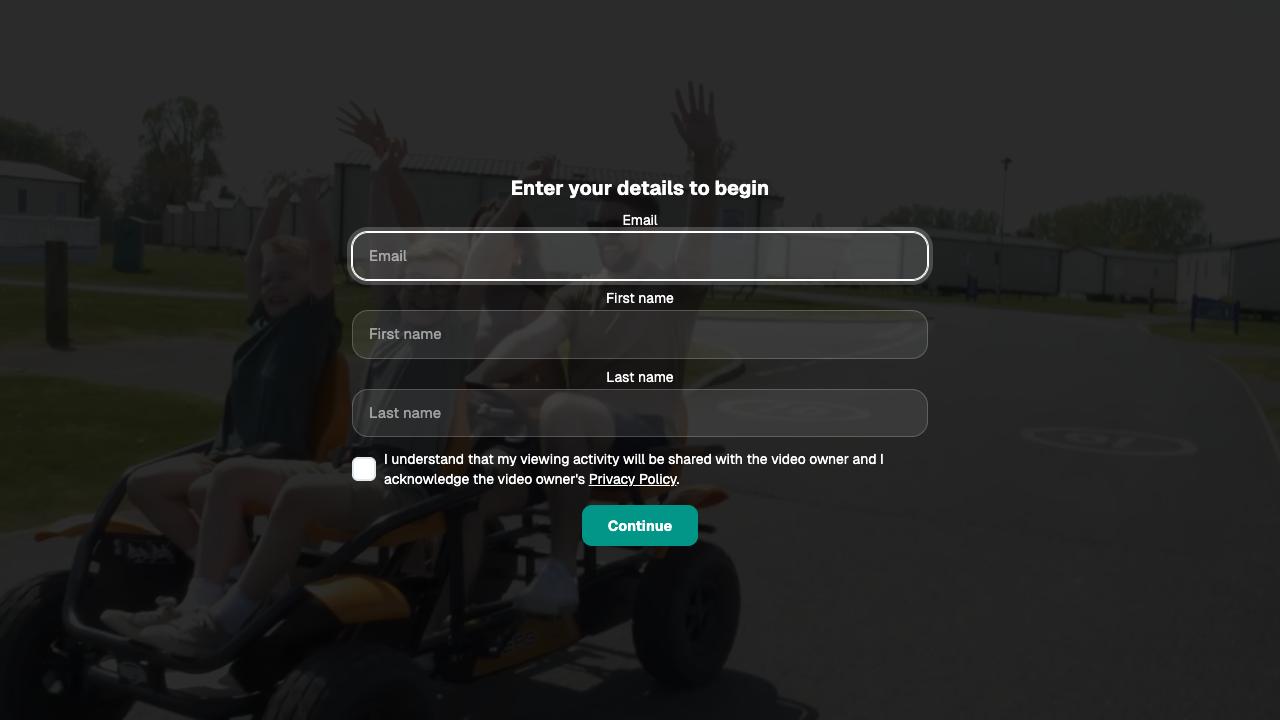
0:00 Sign-in form
Both versions ask for email (required), first name, last name and privacy consent before the video starts.
Vimeo (original)
Mindstamp (migrated)
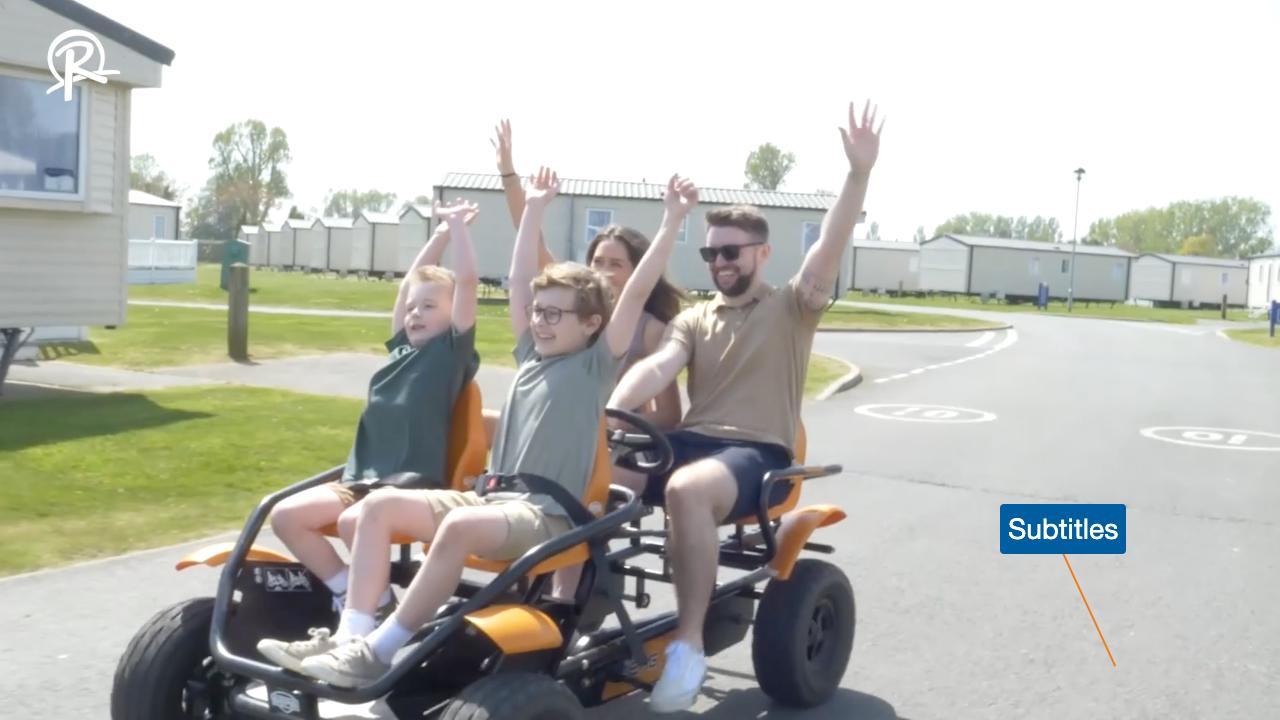
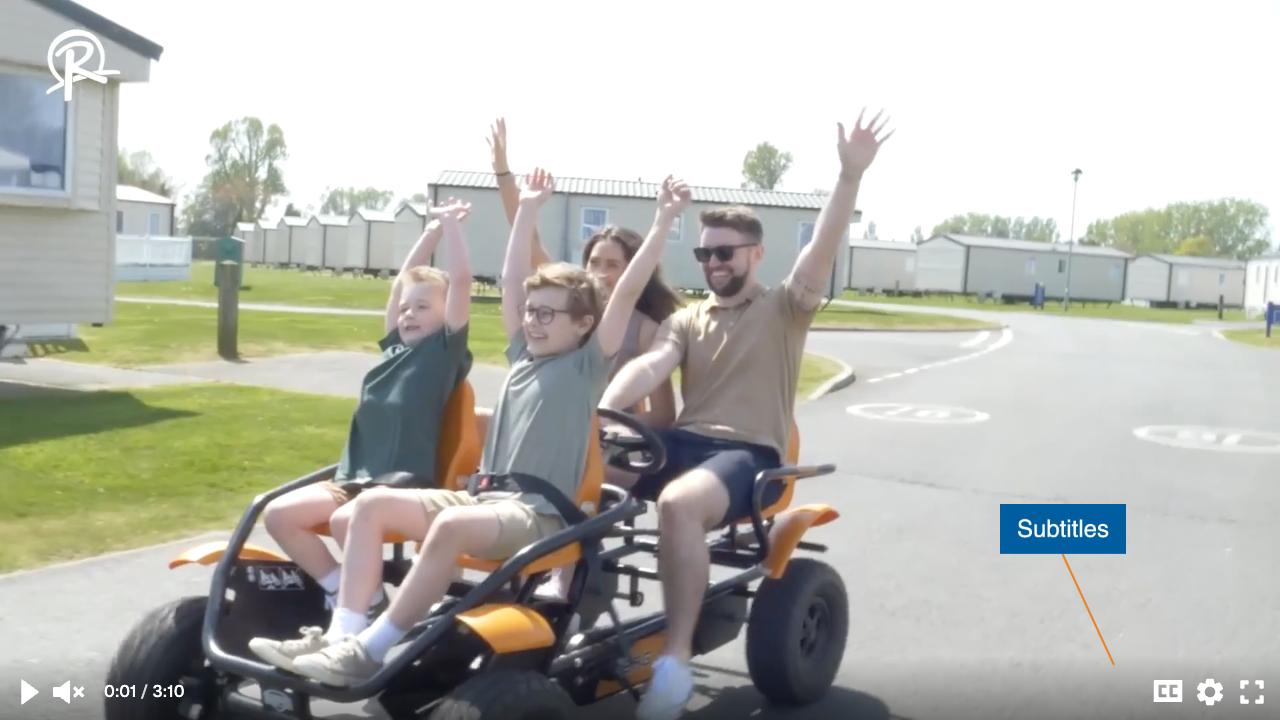
0:01 Subtitles tag
The blue tag and orange line point to the captions control from 0:01 to 0:11. English, Lithuanian and Portuguese captions are available in both players with the CC button.
Vimeo (original)
Mindstamp (migrated)
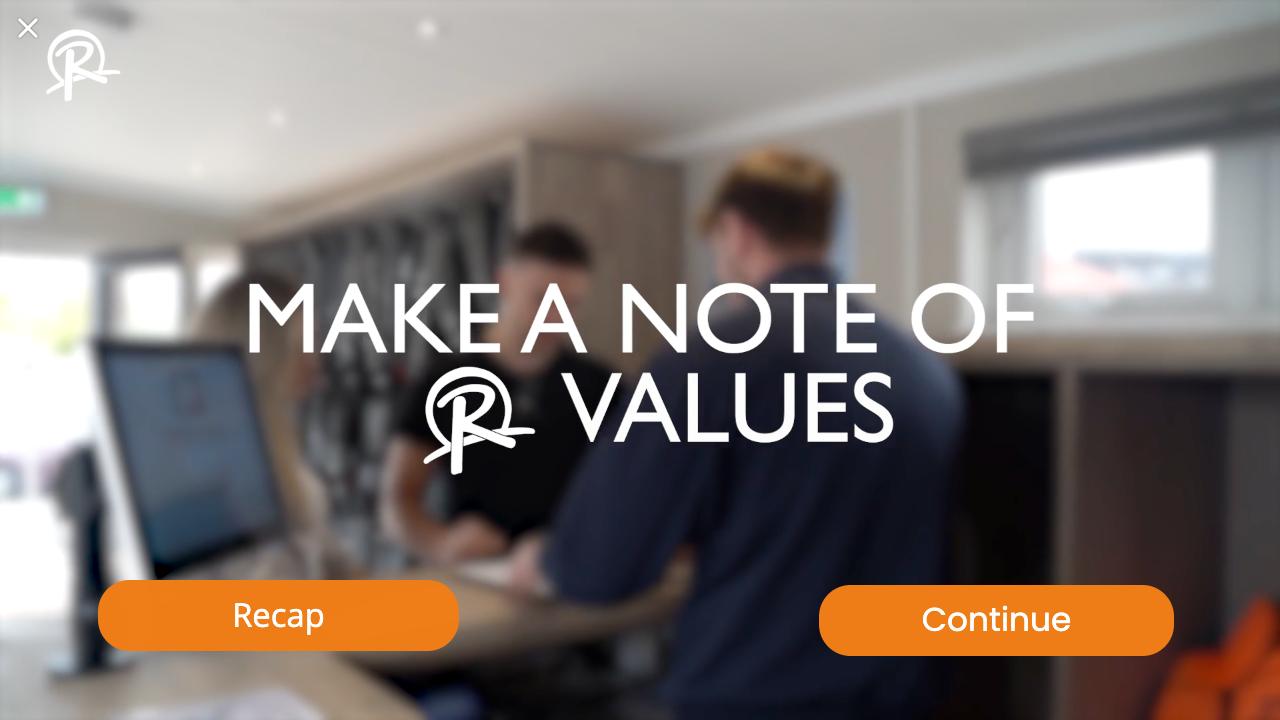
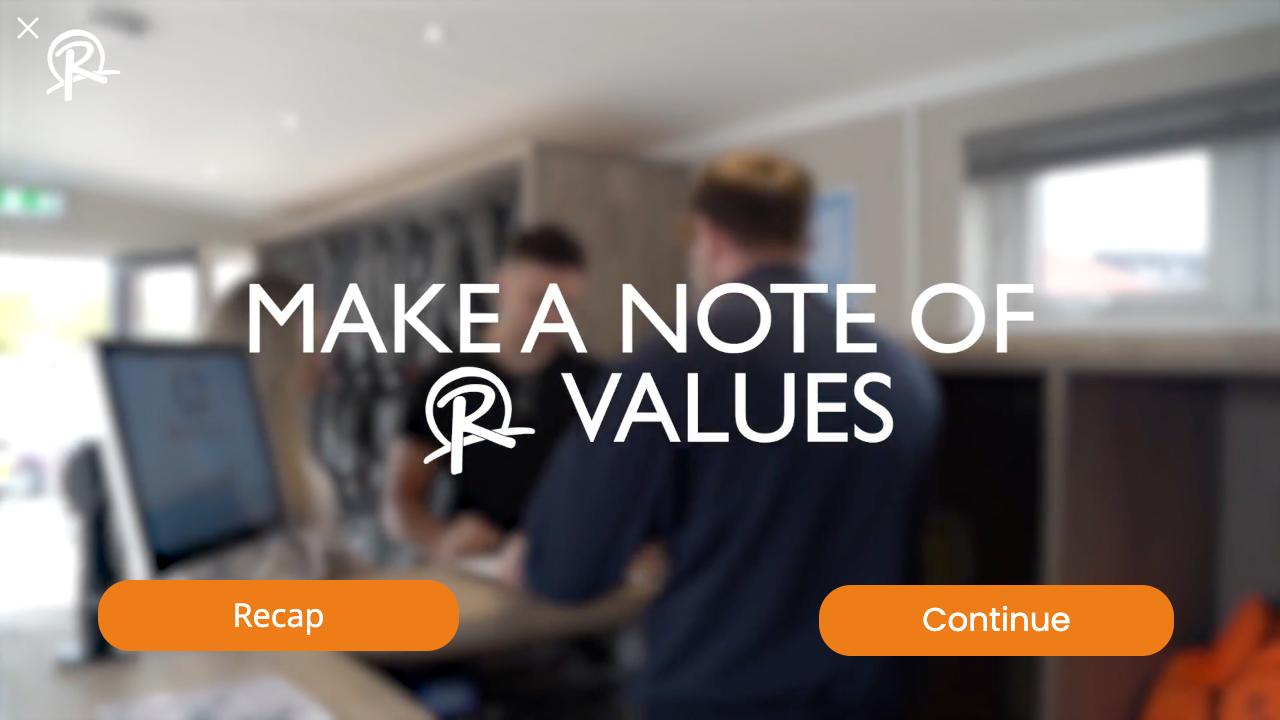
1:06 R values screen
The video stops. Recap goes back to 0:31.8 and Continue goes on to 1:09.2. The cross in the corner closes the screen and plays on.
Vimeo (original)
Mindstamp (migrated)
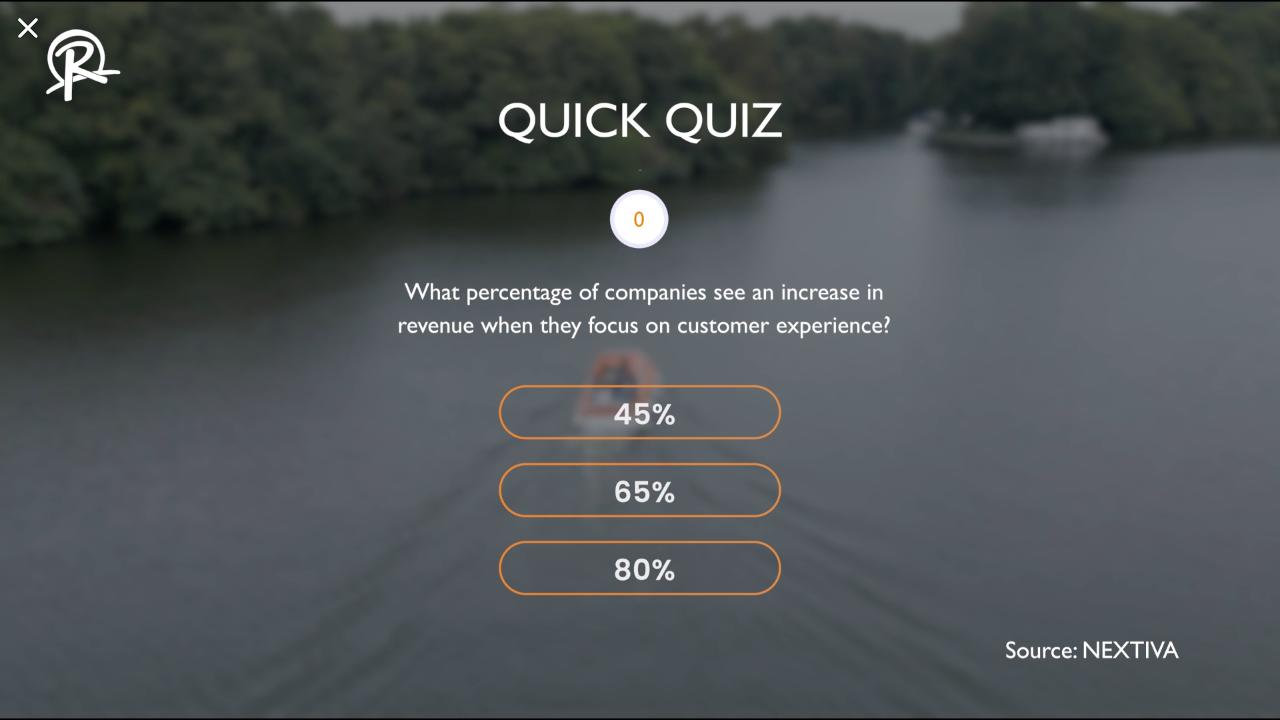
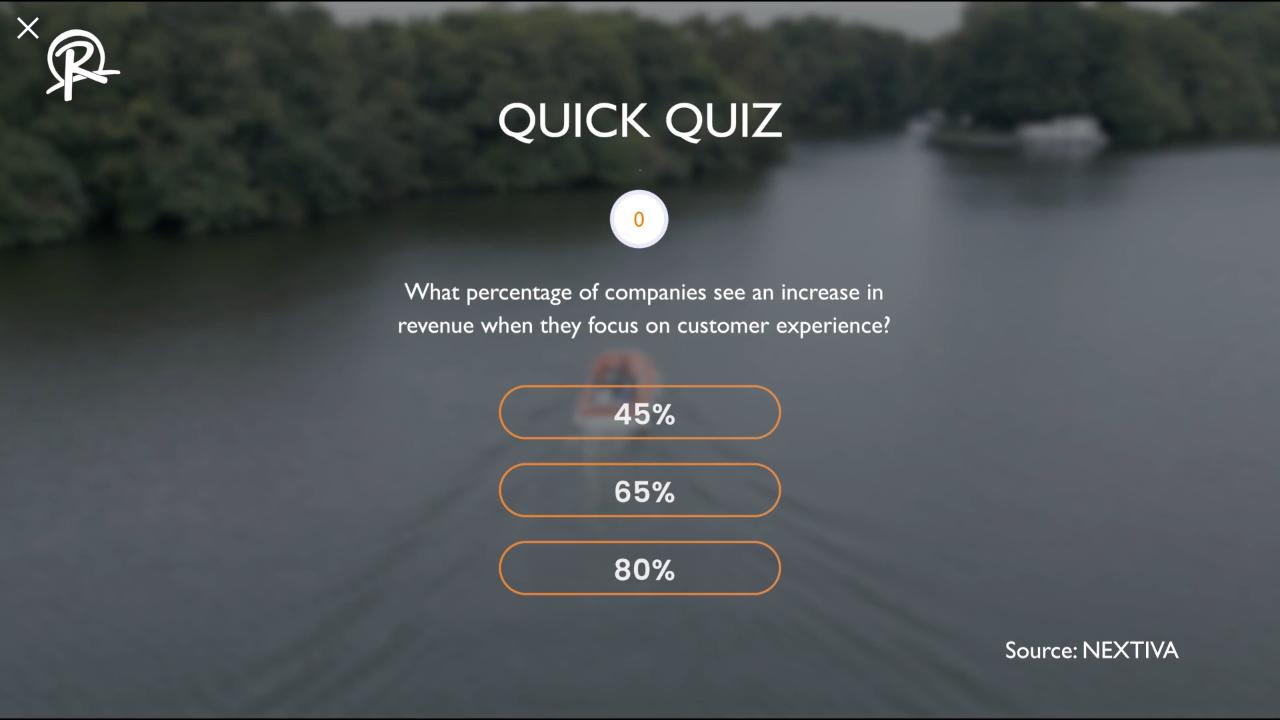
1:30 Quick quiz
The video stops on the question. 80% continues the video. The other answers do nothing, as on Vimeo.
Vimeo (original)
Mindstamp (migrated)
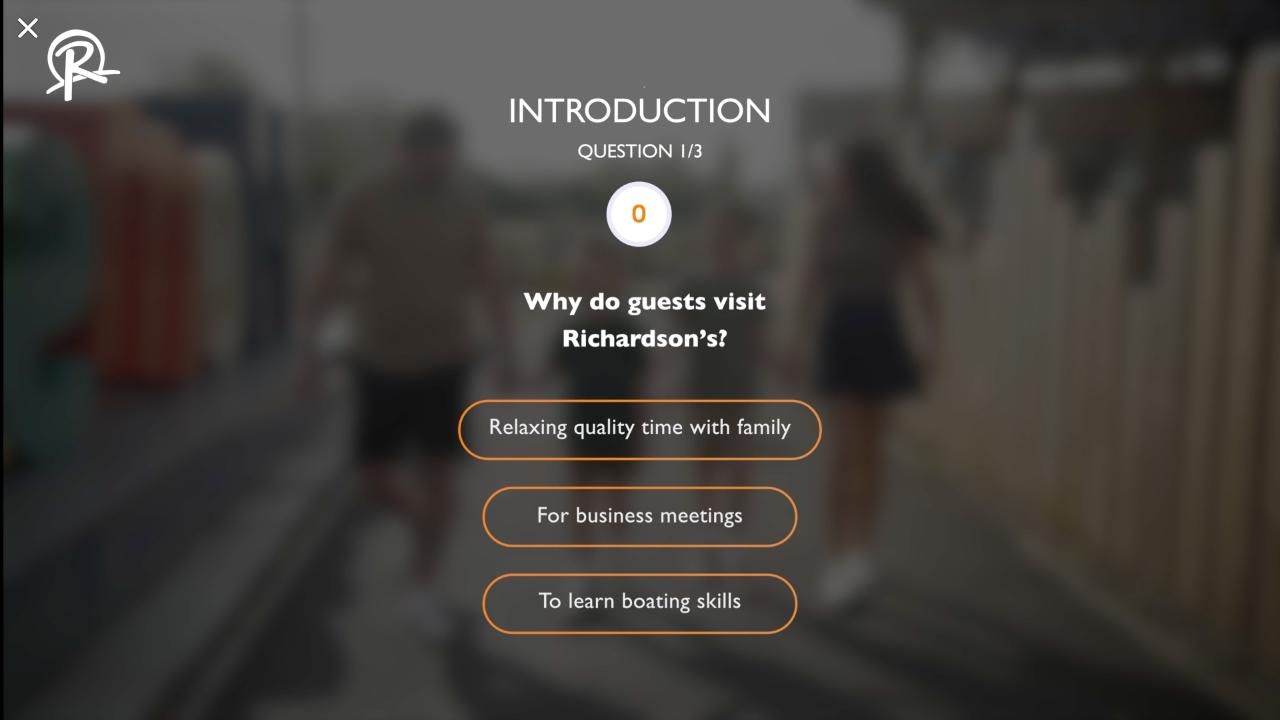
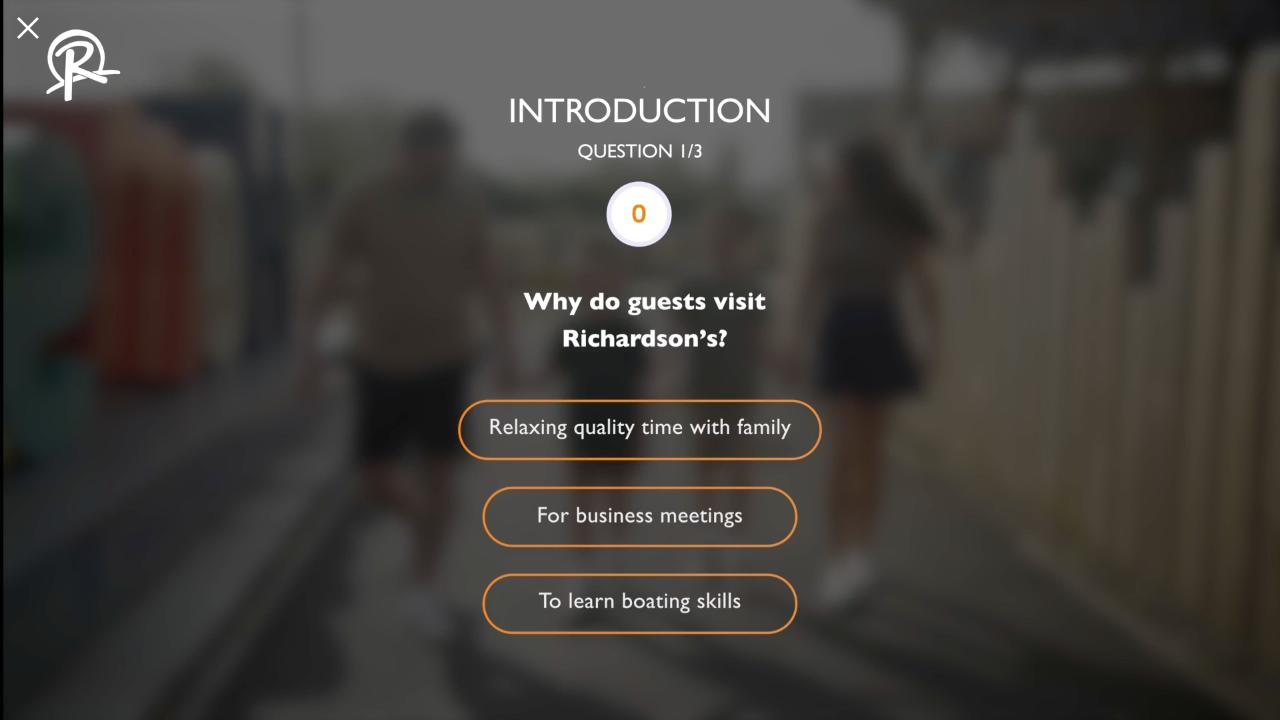
2:11 Question 1 of 3
"Relaxing quality time with family" continues the video. The other answers do nothing.
Vimeo (original)
Mindstamp (migrated)
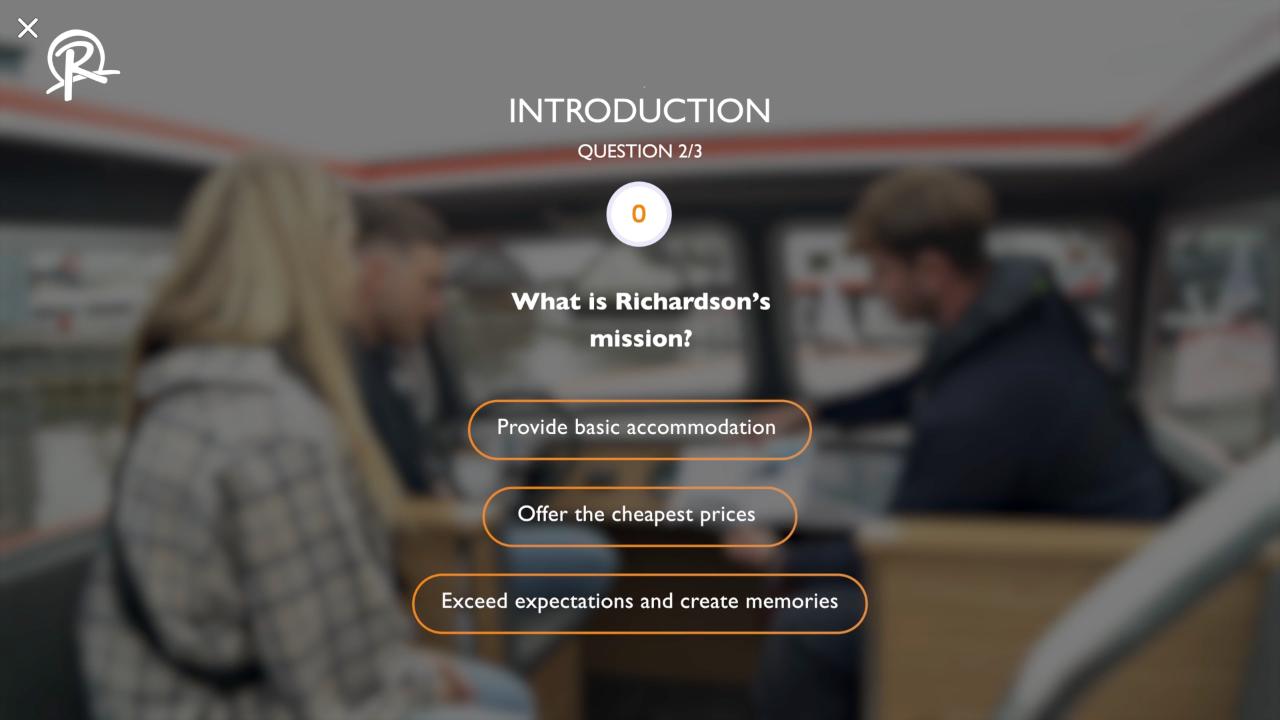
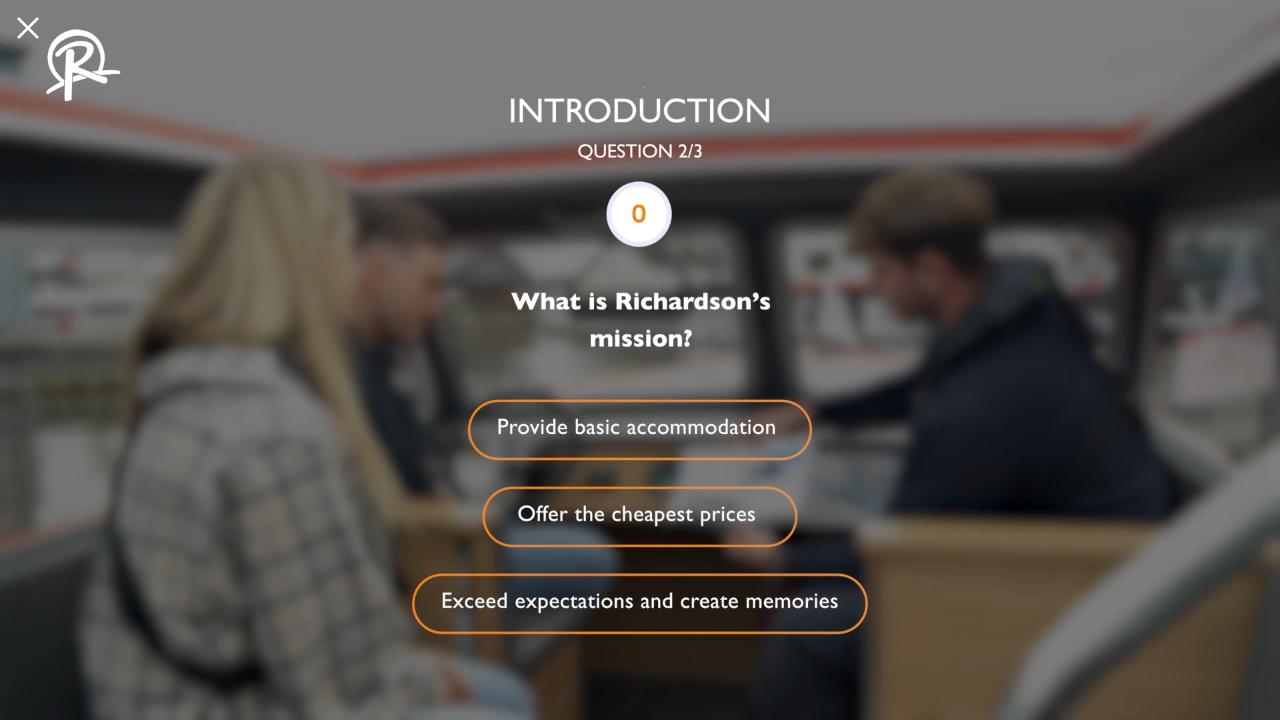
2:27 Question 2 of 3
"Exceed expectations and create memories" continues the video. The other answers do nothing.
Vimeo (original)
Mindstamp (migrated)
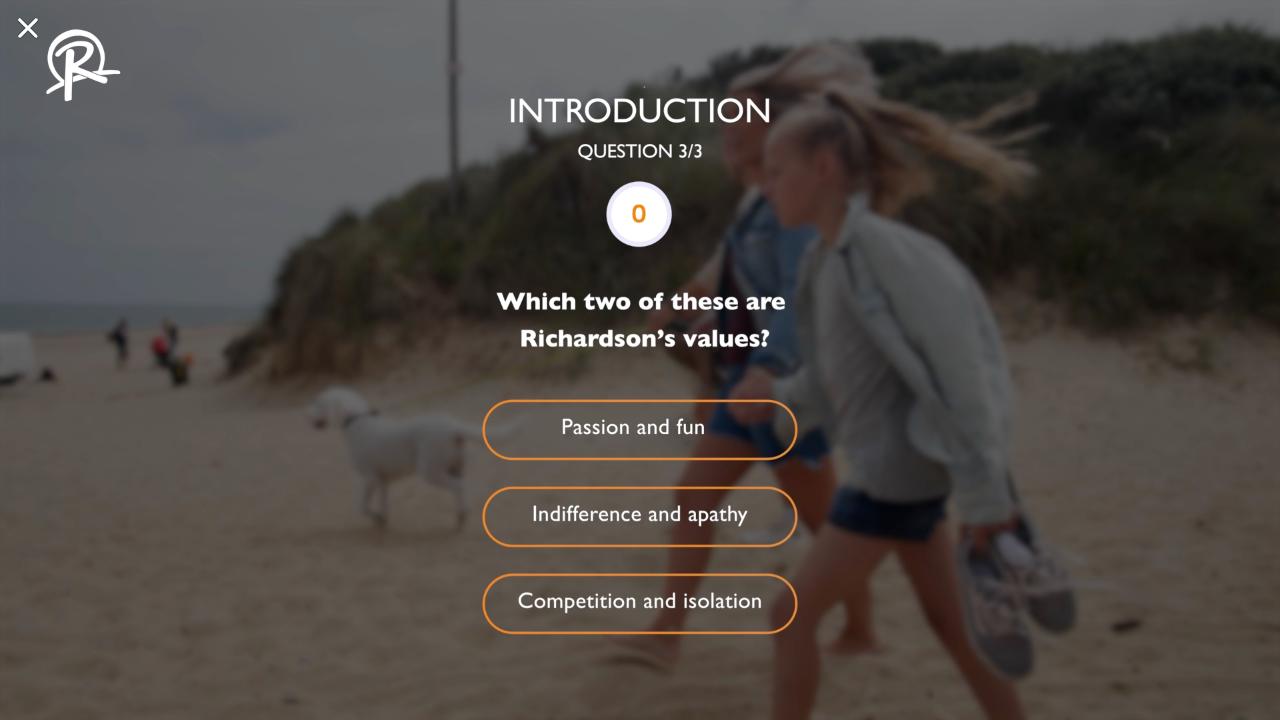
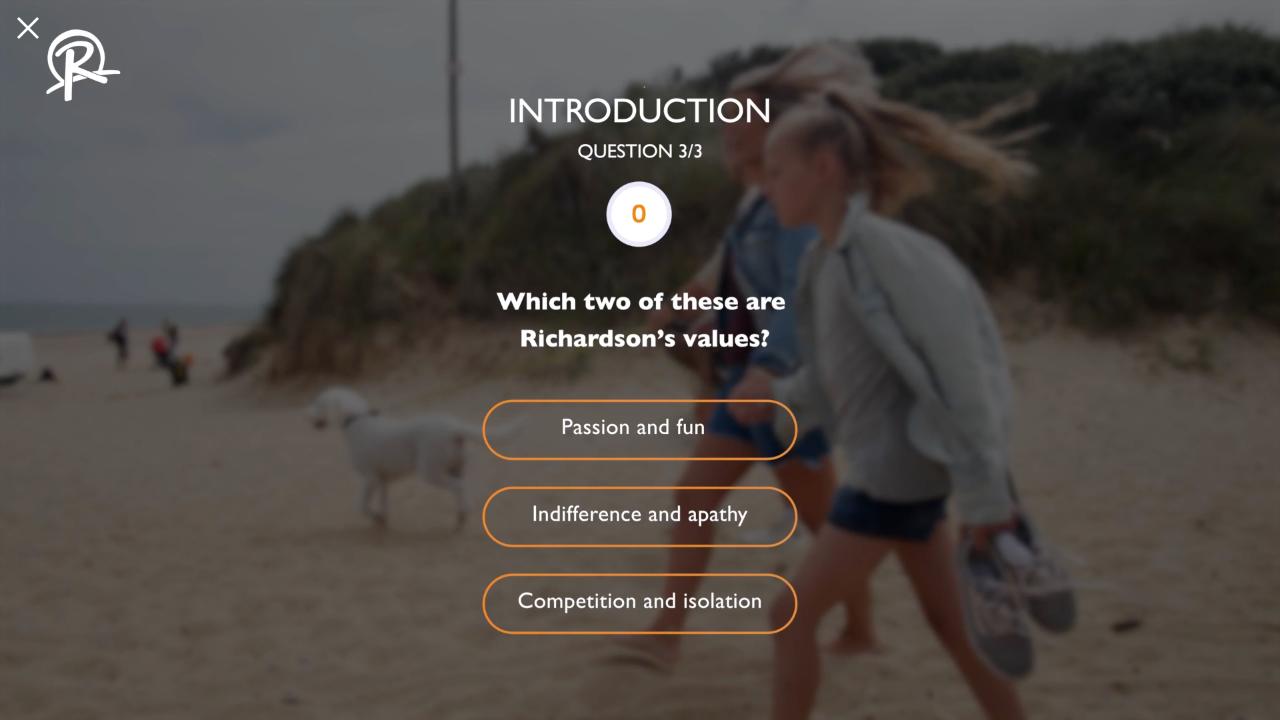
2:43 Question 3 of 3
"Passion and fun" continues the video. The other answers do nothing.
Vimeo (original)
Mindstamp (migrated)
3:05 Continue to Part 2
The Continue graphic at the end opens Part 2 of the training on Vimeo.
Vimeo (original)
Mindstamp (migrated)
Interaction checks
We clicked each answer, button and close cross in both players and recorded where the video went.
| Check | Vimeo | Mindstamp |
|---|---|---|
| R values: Recap | Back to 0:31.8, plays | Back to 0:31.8, plays |
| R values: Continue | On to 1:09.2, plays | On to 1:09.2, plays |
| Quick quiz: 80% | On to 1:33.0, plays | On to 1:33.0, plays |
| Question 1: correct answer | On to 2:12.3, plays | On to 2:12.3, plays |
| Question 2: correct answer | On to 2:28.7, plays | On to 2:28.7, plays |
| Question 3: correct answer | On to 2:45.4, plays | On to 2:45.4, plays |
| Any wrong answer | Stays on the question | Stays on the question |
| Close cross on each screen | Closes the screen and plays on | Closes the screen and plays on |
Differences
- Sign-in form: the Vimeo form shows the video title and the R logo. The Mindstamp form shows the prompt only.
- Continue to Part 2 opens the Vimeo copy of Part 2. We change this link when Part 2 is on Mindstamp.